Serve your customers from one app.
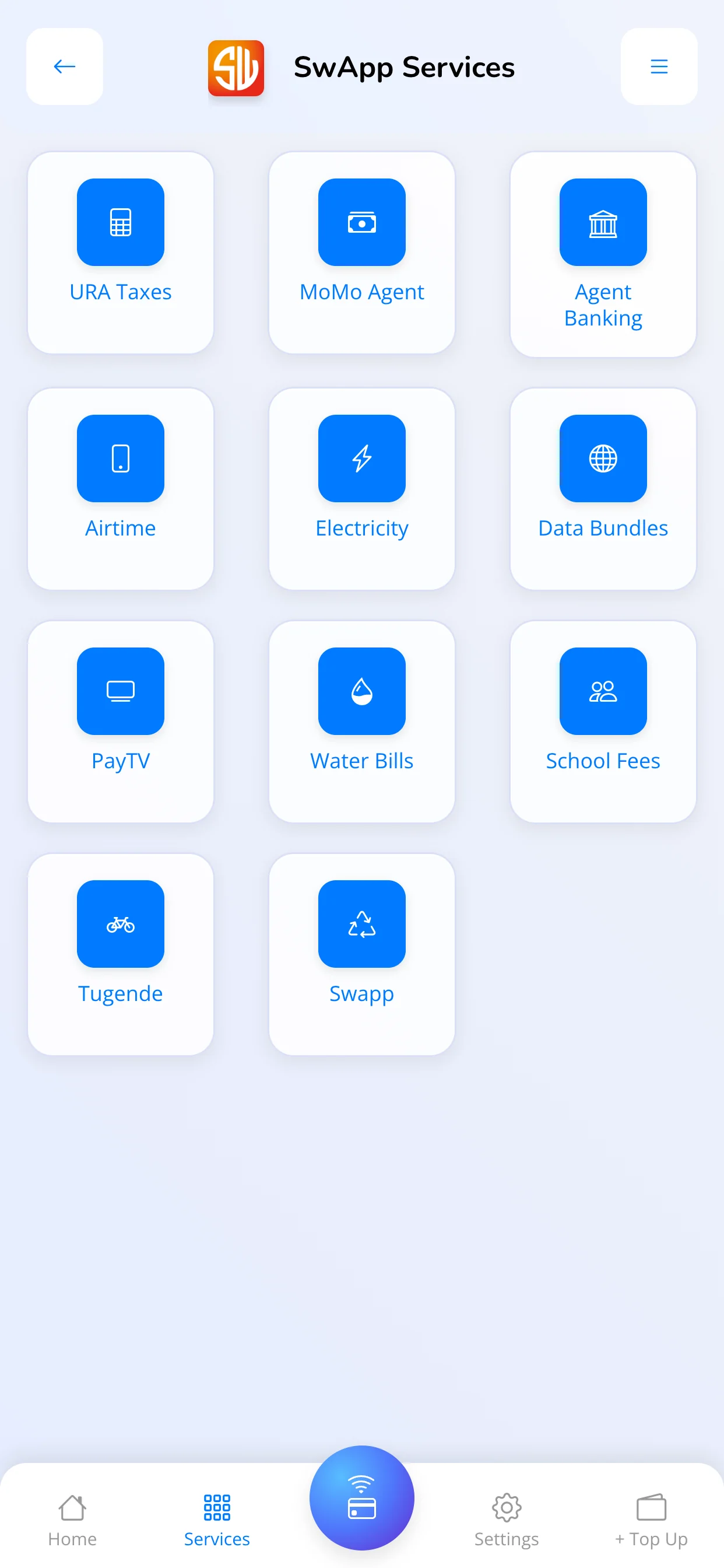
Bring everyday payment services to your counter or service point, with transaction history and receipts to help you follow up.
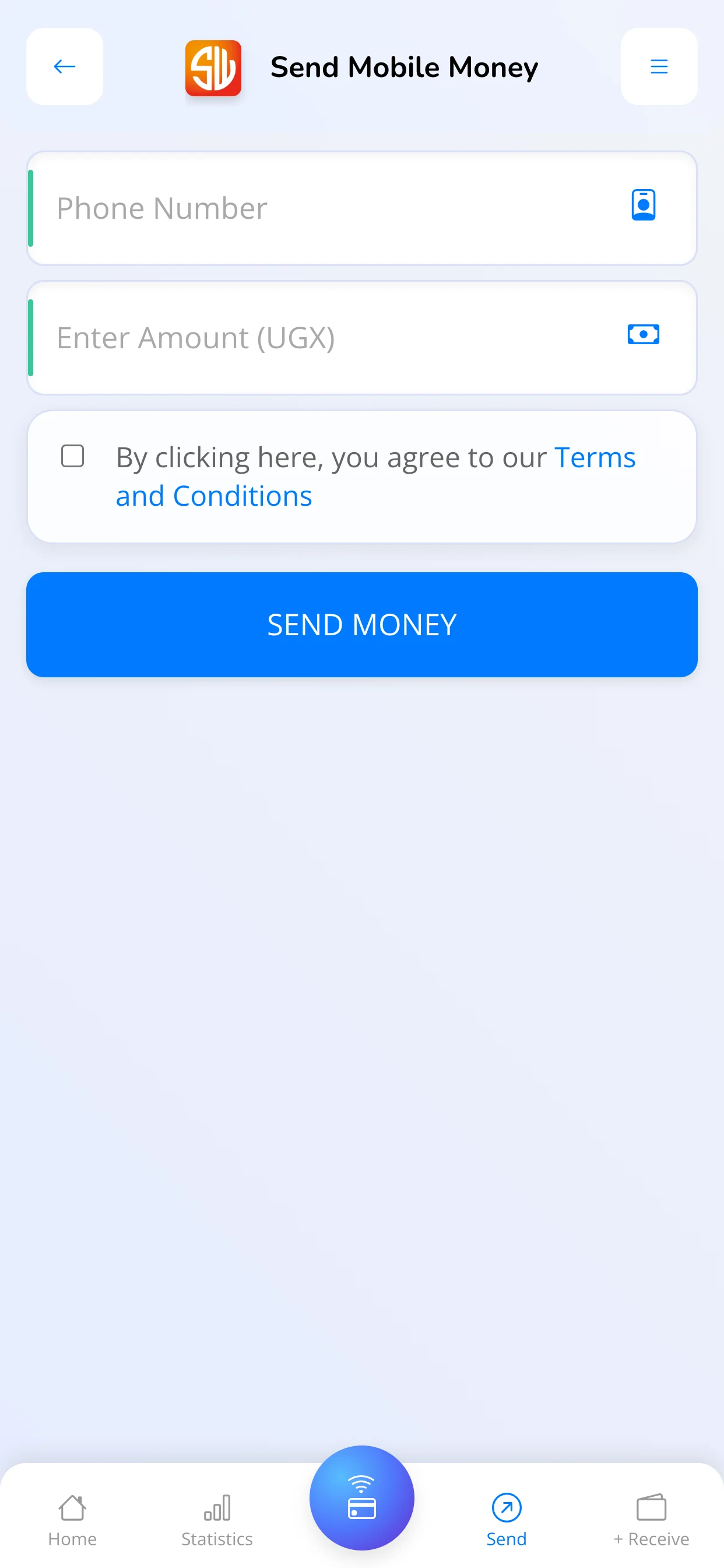
- Mobile money and transfers
- Handle customer mobile money transactions and money transfers through the services enabled for your agent account.
- Bills and URA taxes
- Help customers pay for electricity, water and TV, or complete URA tax payments from your service point.
- Airtime and data
- Sell airtime and data bundles for major telecom networks, alongside your other customer services.
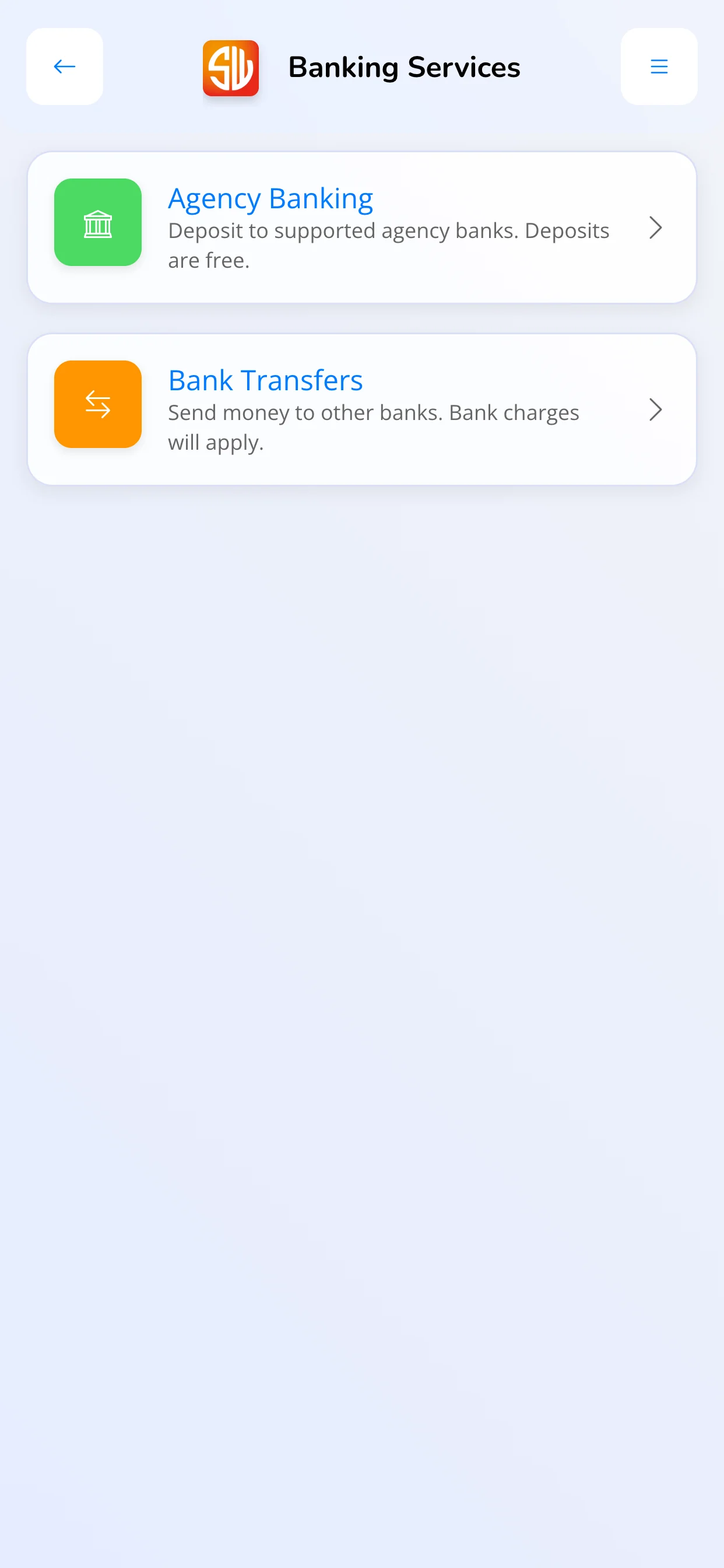
- Banking services
- Use bank transfers and supported agency banking services where these are enabled for your account.
Stay connected to your SACCO.
Open your own SACCO account on your phone to keep up with your balances, payments and requests.
Explore SACCO member access- See your savings or investment balances, statements and upcoming payments.
- Make contributions, pay fines and repay loan instalments through mobile money, SwApp or card.
- Apply for loans, request withdrawals and respond to guarantor invitations.
- Follow requests and decisions for your own membership, with separate access if you belong to several SACCOs.
Your SACCO enables your access and services. View-only access lets you read your account; self-service access also lets you make payments and requests. Loan services appear only where your SACCO offers loans.
From download to your first service.
Download SwApp
Install the Android app from the official SwApp Uganda listing on Google Play.
Connect your account
Use the account linked by your SACCO, or contact SwApp to complete agent onboarding and enable transaction services.
Choose your service
Open your SACCO in Business, or select an enabled transaction service and follow the payment steps.
A few things to know.
Can I start offering agent services as soon as I install the app?
Agent transactions require an approved SwApp agent account. Contact our team for onboarding and confirmation of the services enabled for your account.
How do I access my SACCO account?
Ask your SACCO to link your SwApp account to your membership and enable mobile access. Sign in to the app, open Business and select your SACCO. Your access level controls whether you can only view your account or also make payments and submit requests.
Is SwApp available for iPhone?
The Google Play download on this page is for Android. Contact SwApp to discuss current iOS availability and onboarding.
Get the SwApp app.
Download SwApp Uganda for Android. Need help with member access or agent onboarding? Talk to our team.